How to Register for Events
How to Register for Events
Learn how to successfully sign up for BOMA OEB events. This guide walks you through the online registration process, from selecting the event to completing your payment and confirmation details.
Event Selection
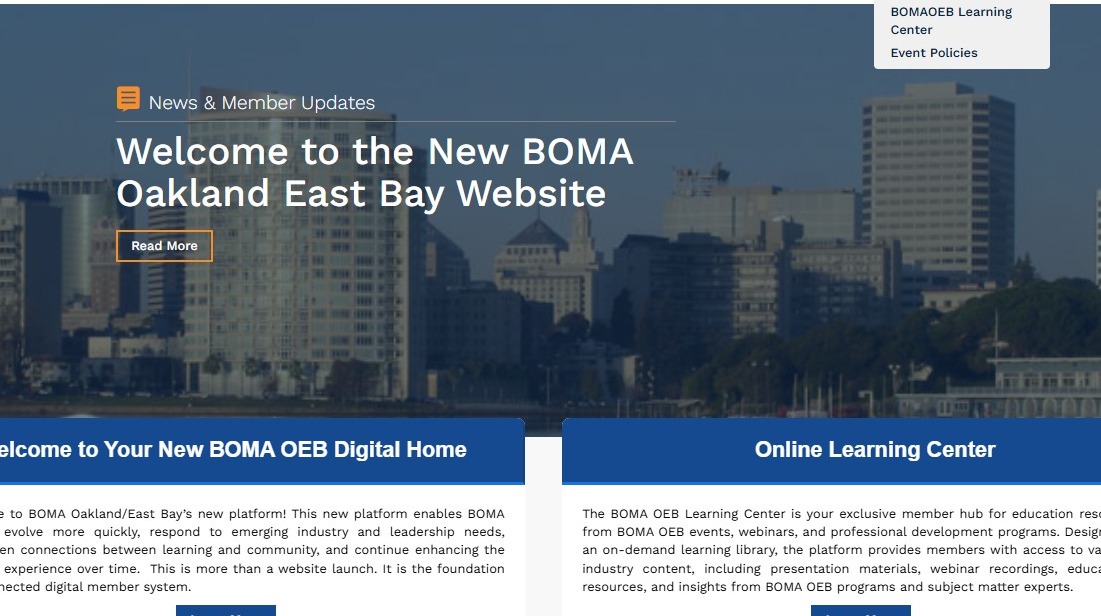
1. Navigate to https://www.bomaoeb.org/
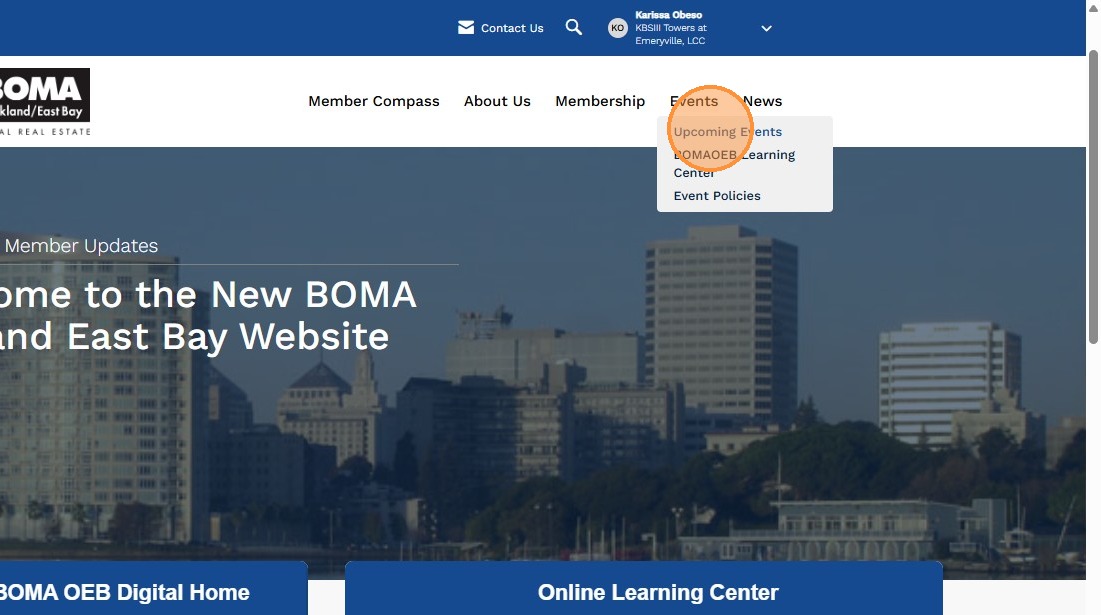
2. Hover your mouse over "Events" in the navigation menu and select "Upcoming Events" from the dropdown menu.
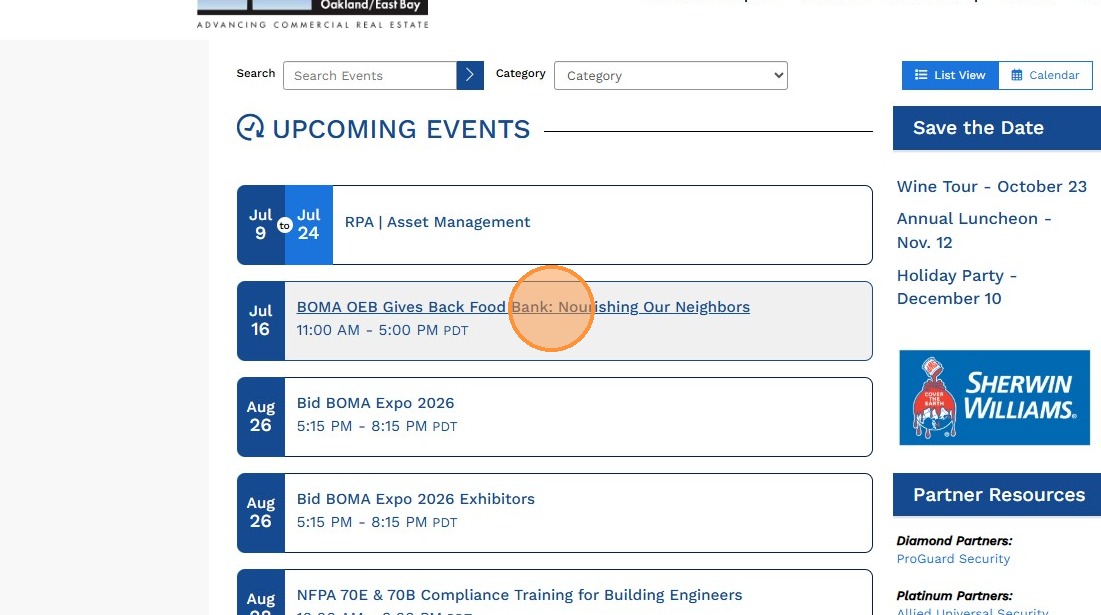
3. Select the event you would like to attend from the list of upcoming events.
Registration Setup
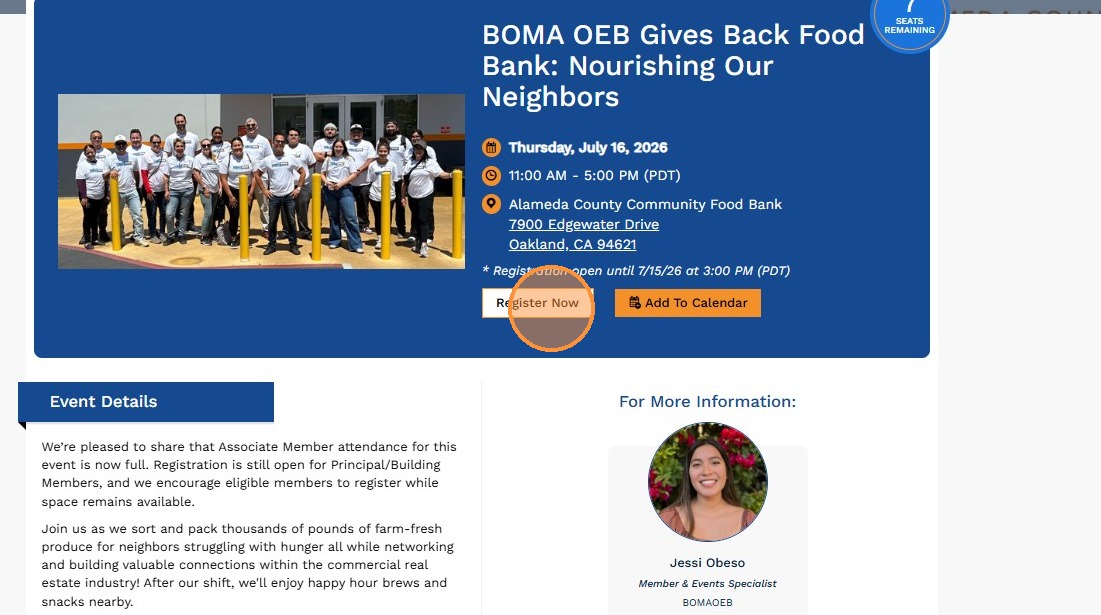
4. Click "Register Now" to begin the registration process. Be sure you are logged into your account first, as you may not be able to register or access member pricing if you are not signed in.
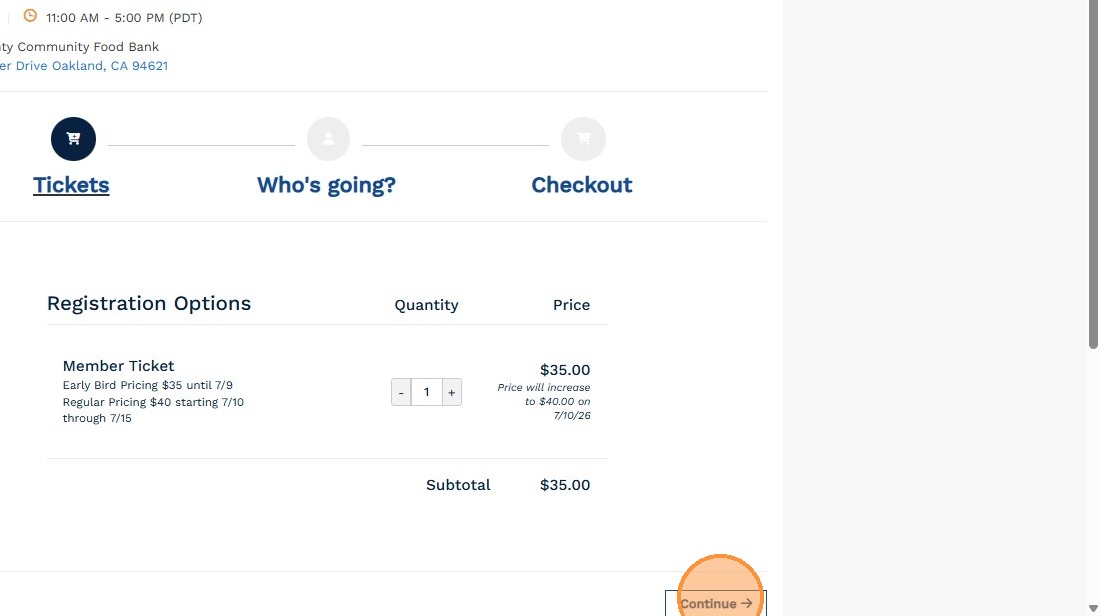
5. Confirm the number of tickets you would like to purchase, then click "Continue" to proceed with registration.
Attendee Information
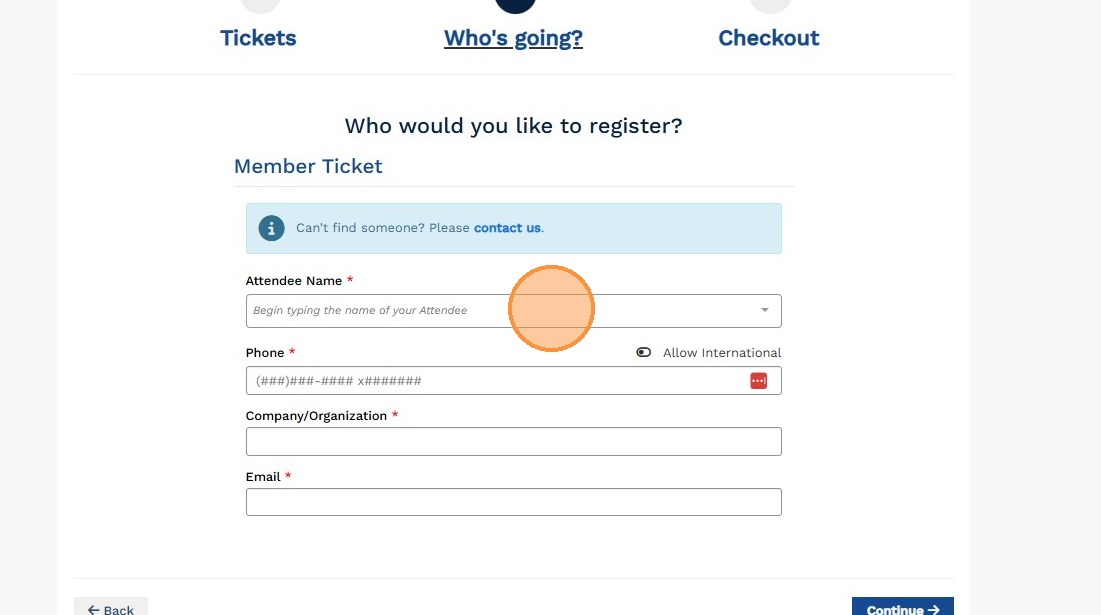
6. Enter the attendee information for all registrants, then click "Continue" to proceed to the next step.
Payment and Completion
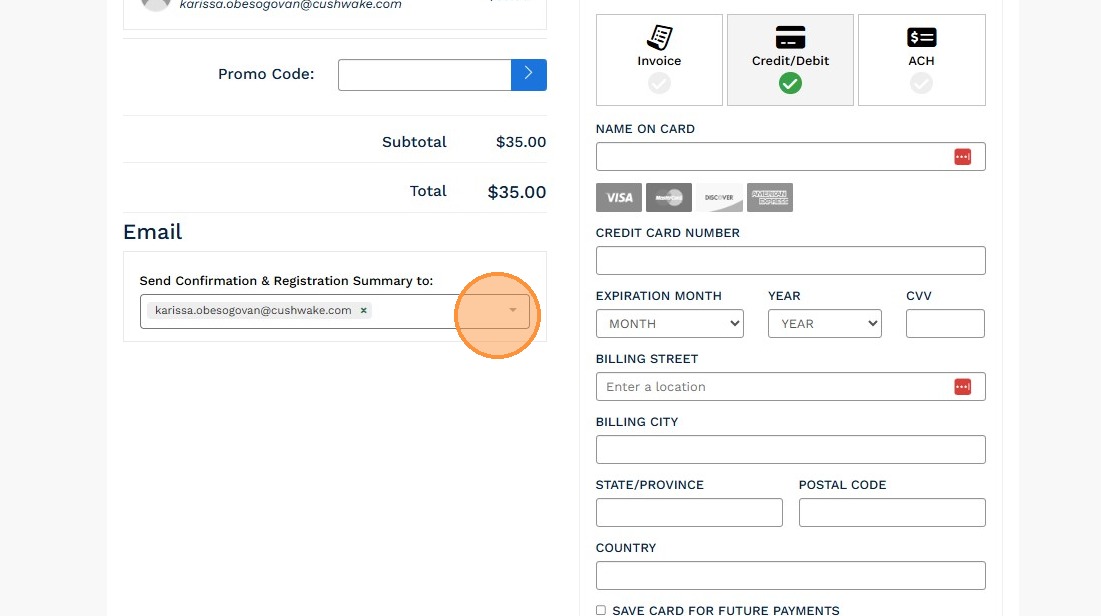
7. Confirm your payment method and the email address where you'd like to receive your registration confirmation. BOMA OEB now accepts ACH payments! You may also add additional email recipients if you'd like the registration summary sent to someone else, such as an assistant, accounting contact, or colleague.
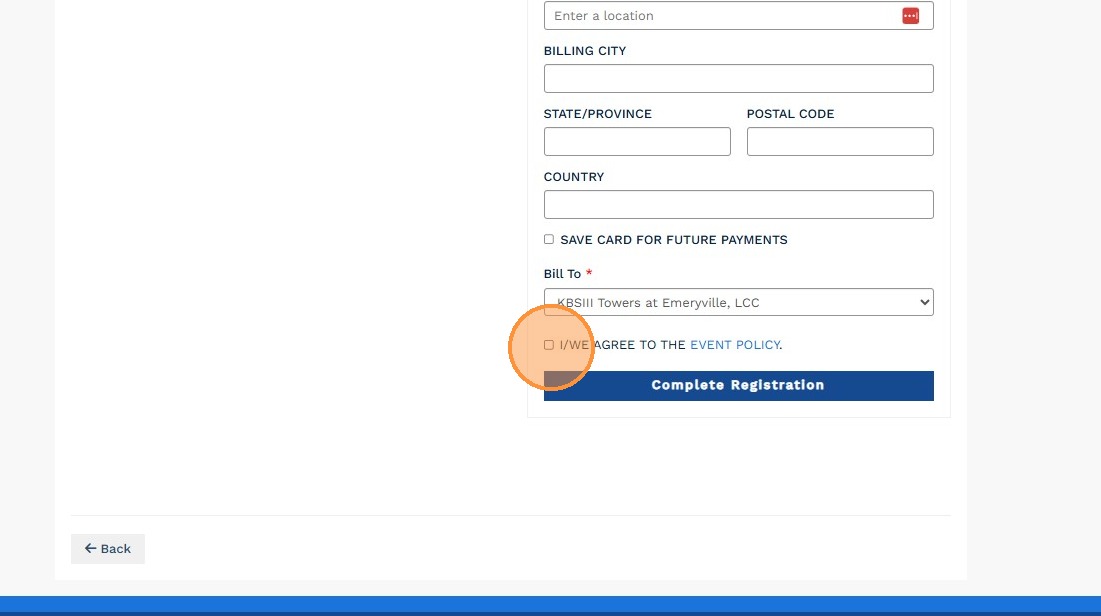
8. Check the "Agree to Event Policy" box, then click "Complete Registration" to finalize your registration.