How to Update Your BOMA Member Profile Information
How to Update Your BOMA OEB Member Profile Information
Learn how to navigate the Member Compass portal to update your professional contact details and privacy settings. This guide ensures your information remains current while managing your account preferences effectively.
Profile Navigation
1. Navigate to https://www.bomaoeb.org/
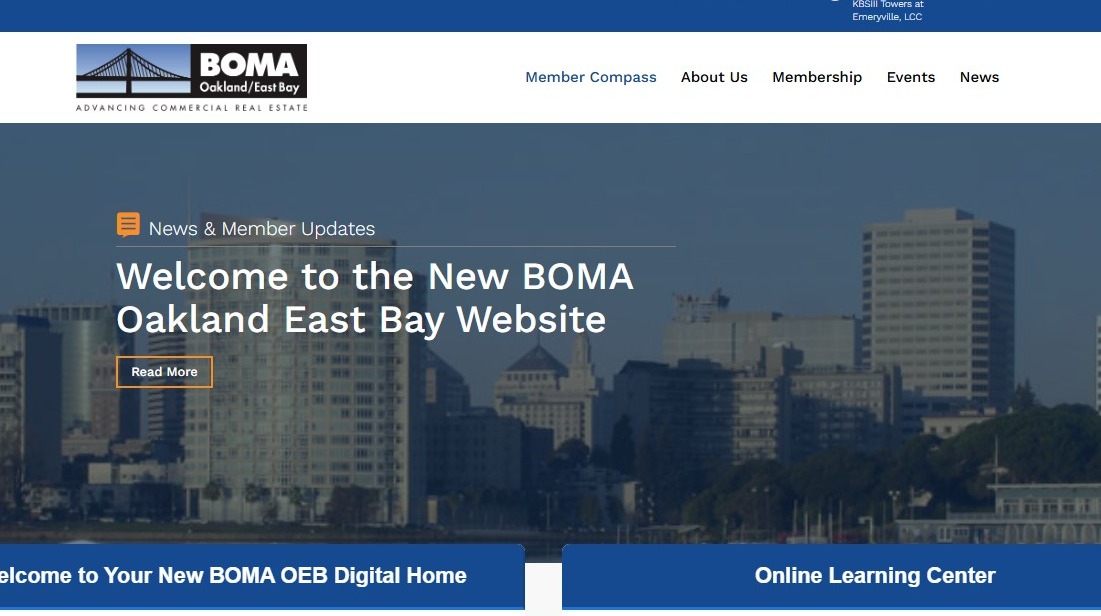
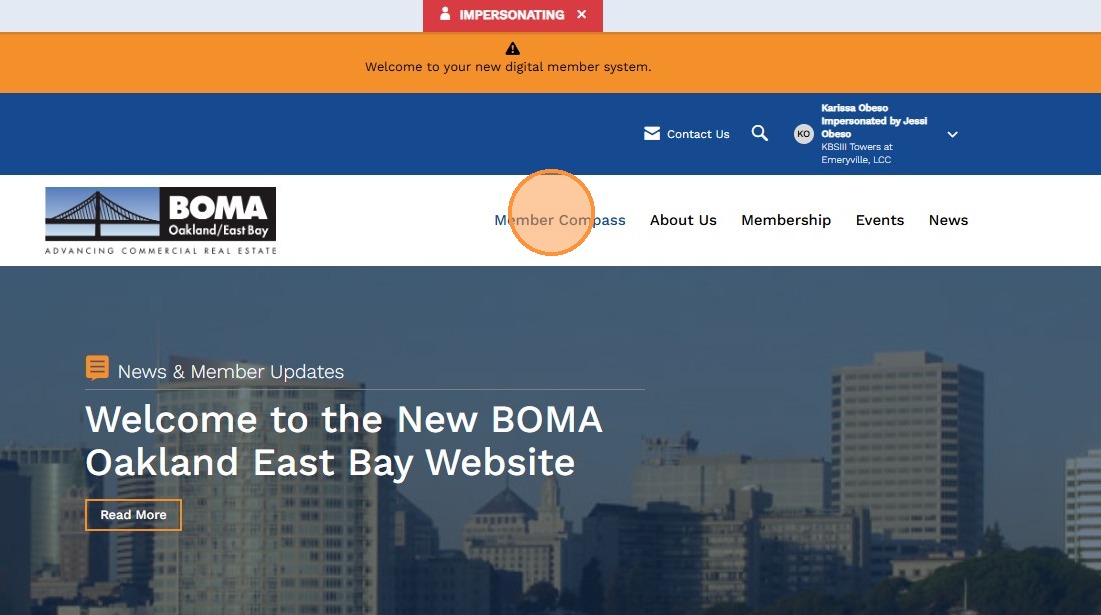
2. Click "Member Compass"
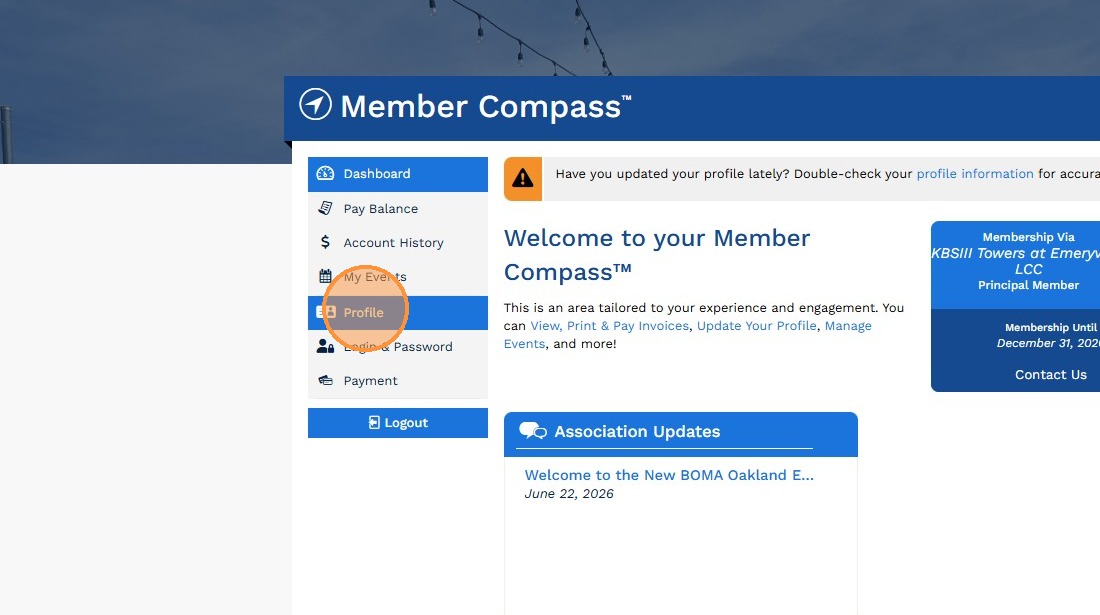
3. Click "Profile"
Account Updates
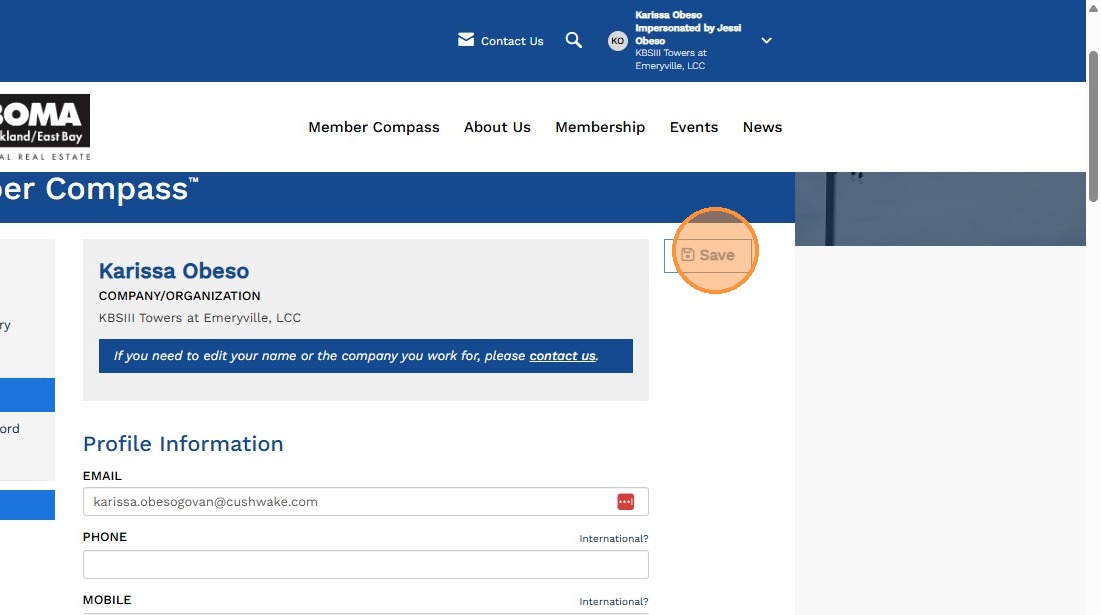
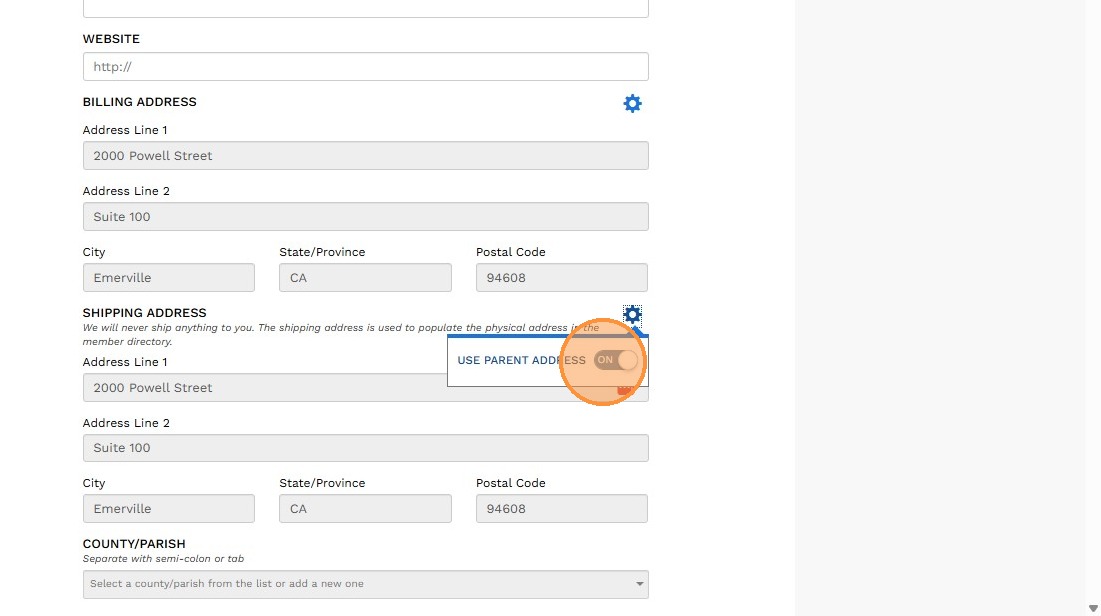
4. Update the Shipping Address section to populate your physical work address in the Member Directory. You may use either your parent company address or, if applicable, a different office location where you work. To switch between these options, use the "Use Parent Address" toggle found under the Settings gear icon.
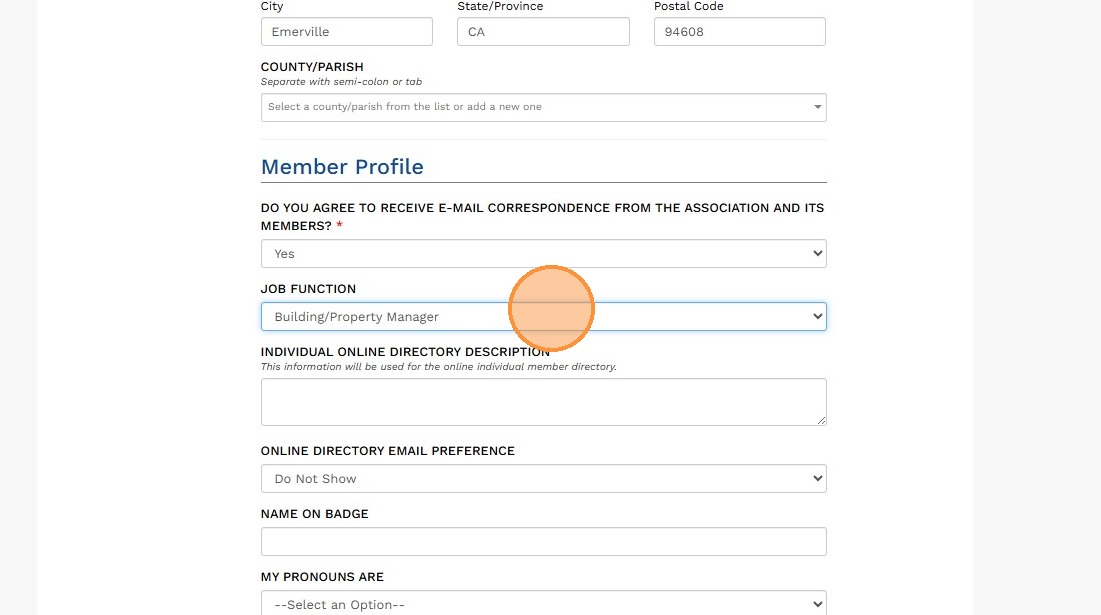
5. Update your information in your Member Profile to ensure your contact details and directory listing are accurate. Please note that profile updates can only be made and saved by the member through their account; BOMA OEB staff are unable to make changes on your behalf.
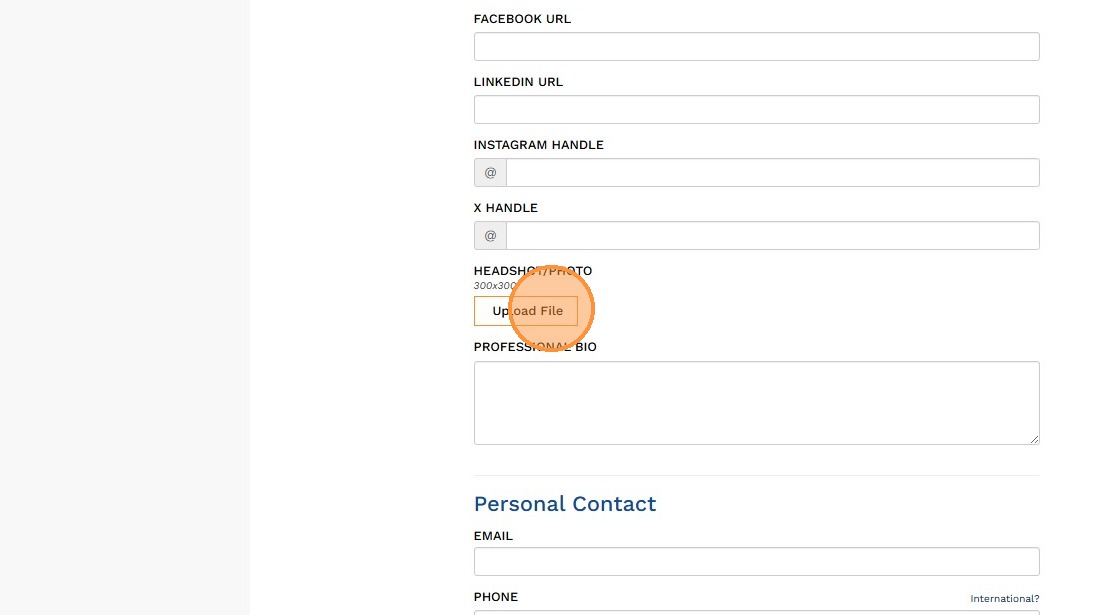
6. Click "Upload File" to add a headshot or profile photo. This image will appear in the Member Directory and on the Attendee Roster for any events you register for.
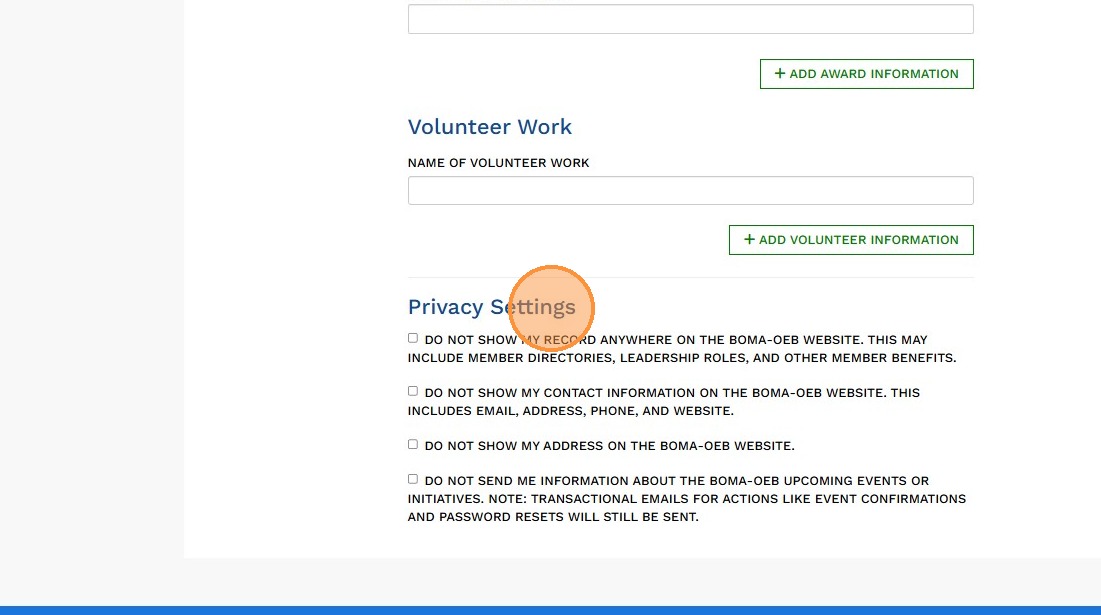
7. Review the Privacy Settings section at the bottom of your profile. Select any options that apply to your preferences, or leave them unchecked if no changes are needed.
8. Click "Save" to apply all profile updates.